-
 admin
admin
- No Comments

EARN THE FUTURE. Grass is the underlying layer for AI. By running a node, you are earning “Grass Points” which will be converted into valuable tokens. Some users have already earned thousands of dollars in previous airdrops—don’t miss out on Season 2!
Why Grass is a “Must-Run
Massive Funding: Raised over $4.5M from top VCs like Polychain Capital
High Valuation: DePIN tokens are the hottest trend in 2026.
Step-by-Step Setup
1: Sign Up via Invitation
Grass is invite-only. Use [https://app.grass.io/] to create your account. Enter your email, choose a username, and set a password.
Grass Desktop Node: Double Your Earnings Today
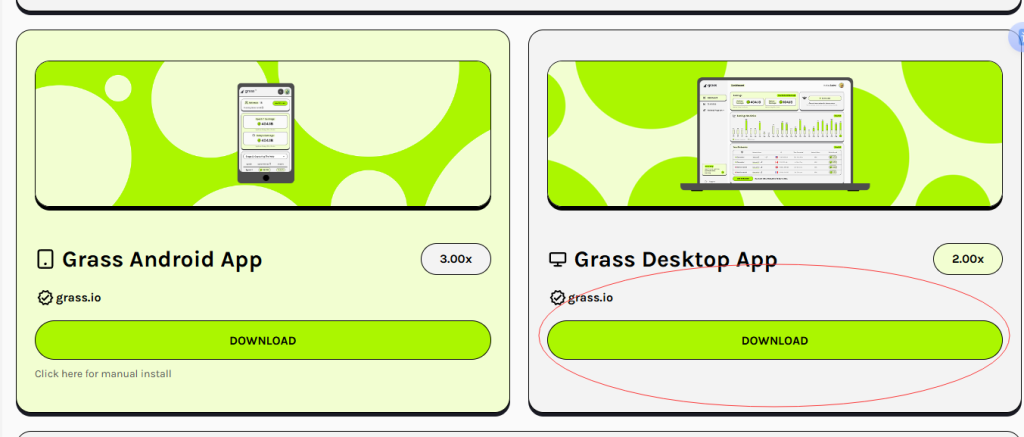
Since it’s a specialized node software, Windows might show a “Protected your PC” warning. Click “More Info” and then “Run Anyway” to proceed with the installation.
Launch the app and sign in with your Grass account. The node will automatically link to your dashboard. You will see a “2x” multiplier on your earning status.
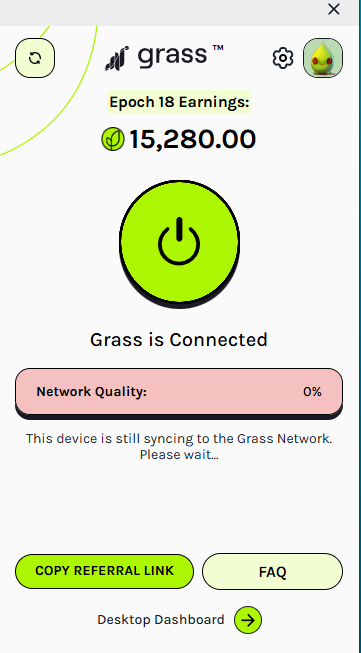
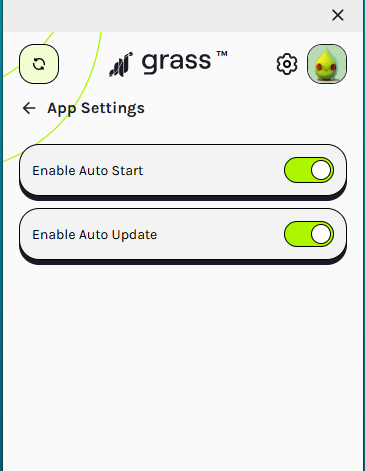
How to Find the Auto-Start Switch
First, click the Settings (gear icon) at the bottom left of the Grass app.
App Settings
Now, toggle “Enable Auto Start” to ON (Green).
Maximize your bandwidth potential by stacking Grass with the ‘Big Three’ (Honeygain, Pawns, EarnApp) for a total-coverage earning strategy.
Important Note on Rewards: Grass operates on a point-based system. Your accumulated points will be converted into $GRASS tokens and airdropped directly to your linked Solana wallet. To ensure you don’t miss out on your earnings, you must complete the wallet binding process. Check out our next guide: [How to Bind Your Solana Wallet to Grass] to secure your rewards!
You can find more detailed setup guides for these apps on our Pcearn homepage