-
 admin
admin
- No Comments

As the Grass network evolves, binding a Solana-compatible wallet is a crucial step to verify your account and prepare for future rewards and airdrops. In this guide, we will show you how to do it in 3 minutes.
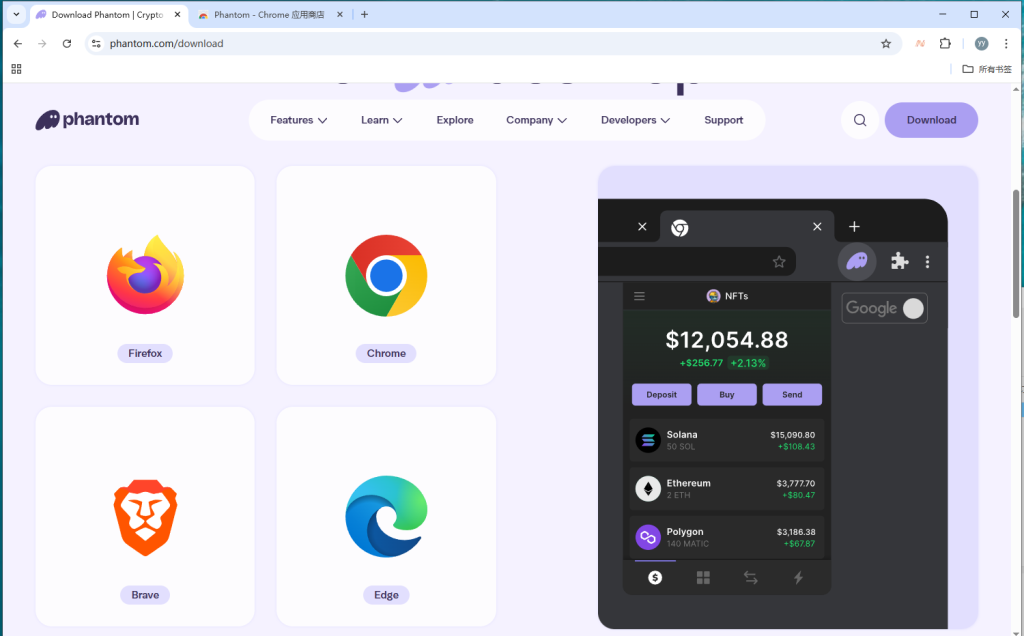
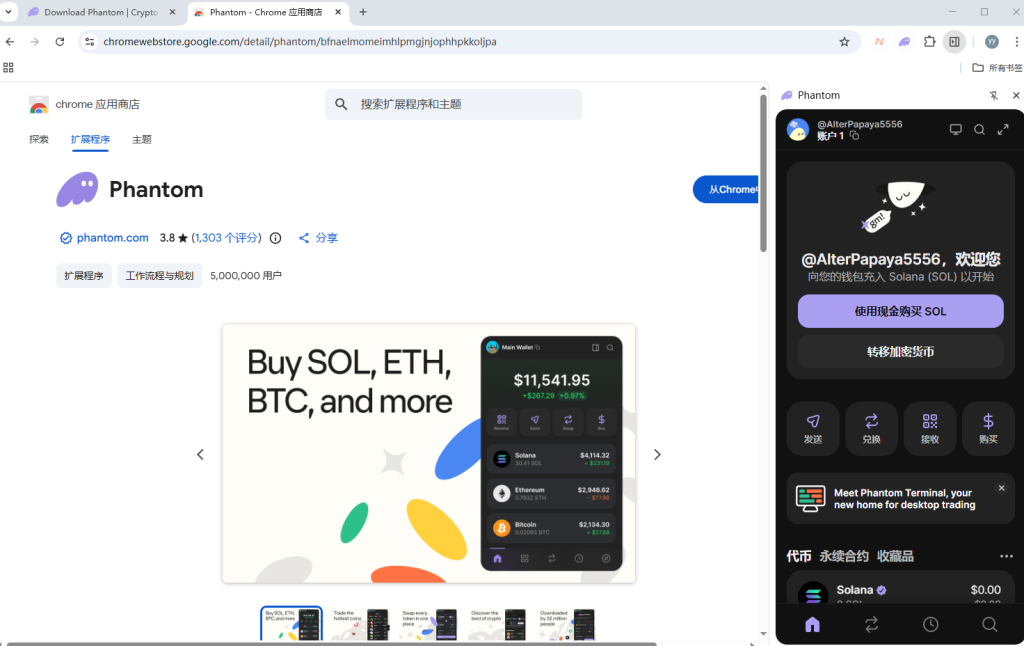
1: Get a Solana Wallet
We recommend using Phantom or Solflare. These are the most trusted wallets for the Solana ecosystem.
Note: Always save your seed phrase offline. Never share it with anyone!
2: Access the Rewards Dashboard
Log in to your Grass Dashboard (
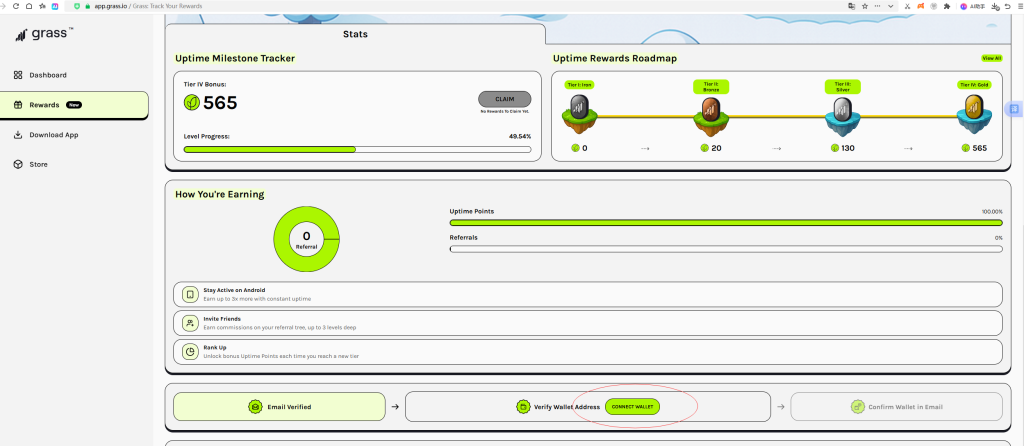
app.getgrass.io).
Navigate to the “Rewards” tab on the left sidebar.
Look for the “Connect Wallet” section.
3: Connect and Verify
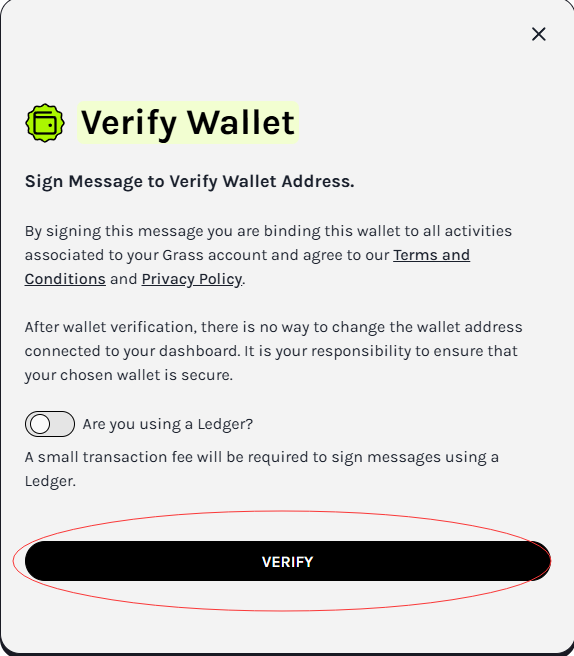
Click “Connect Wallet” and select your installed wallet from the pop-up list.
A wallet notification will appear; click “Approve” or “Sign” to verify ownership.
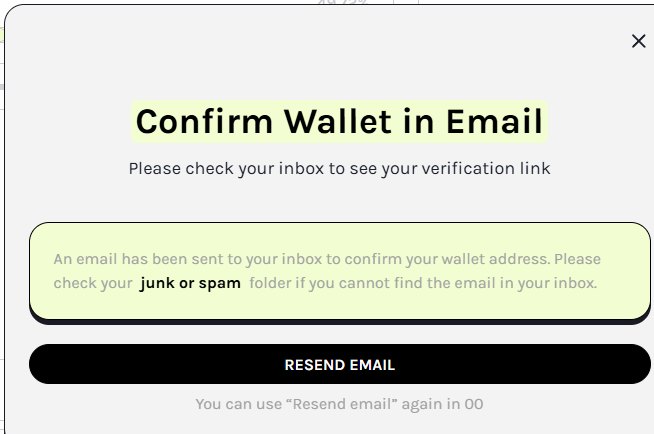
Crucial: Check your email inbox. Grass will send a verification link to confirm the binding. Click that link to finalize.

4: Confirm Your Status
Once verified, your wallet address will be visible on the dashboard. This means your account is fully prepared for the next phase of the Grass journey!

WARNING: Grass team members will NEVER
DM you first or ask for your private key/seed phrase.
Always ensure you are on the official app.getgrass.io website.
Done with Grass? Don’t let your PC’s idle power go to waste. Check our [https://pcearn.com/passive-income-stack-2026/https://pcearn.com/passive-income-stack-2026/] to discover how you can run EarnApp and Honeygain at the same time to maximize your passive income!
You can find more detailed setup guides for these apps on our Pcearn homepage